
Download Turmoil v3.1.3 + Online

Screenshots
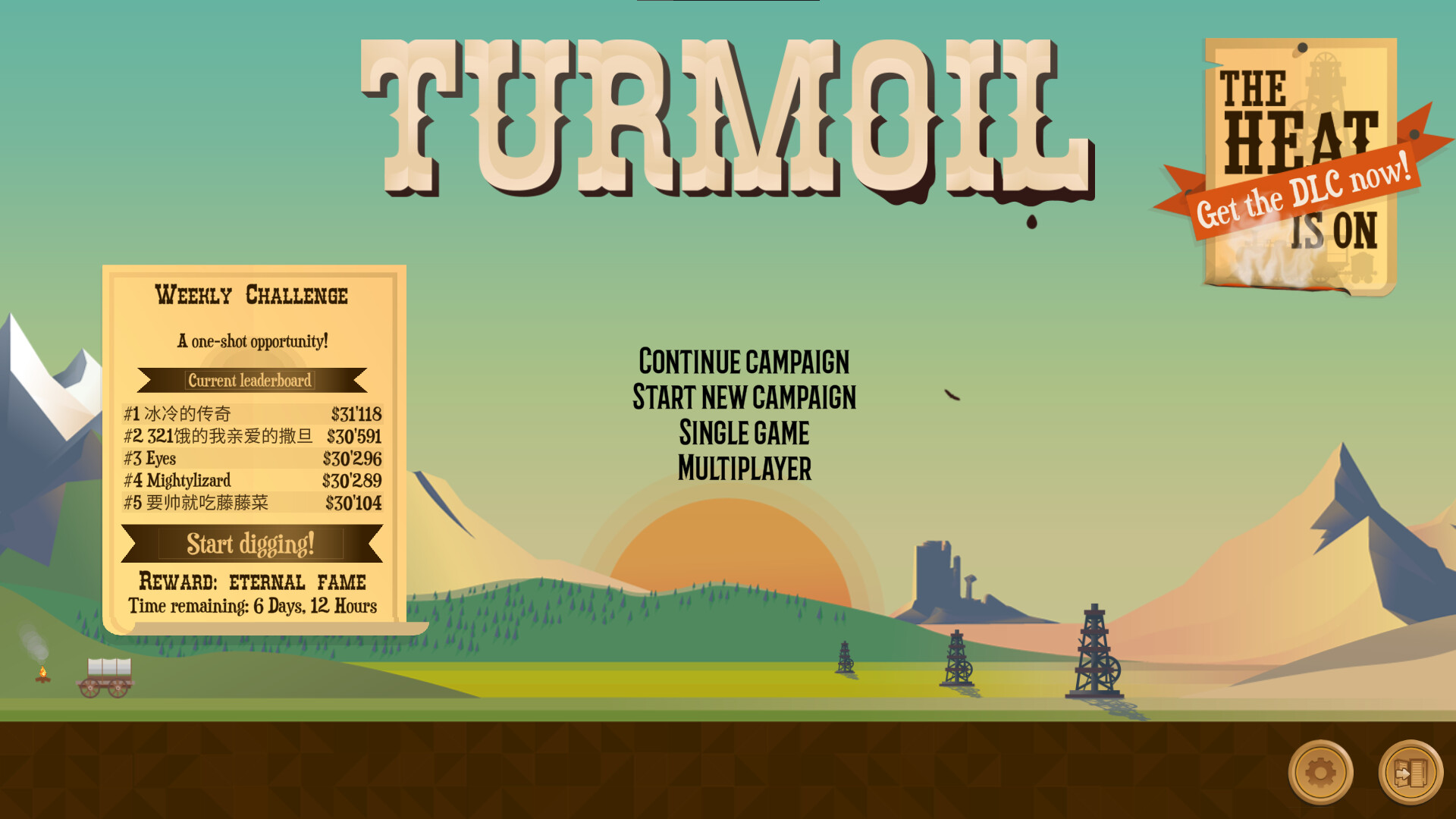

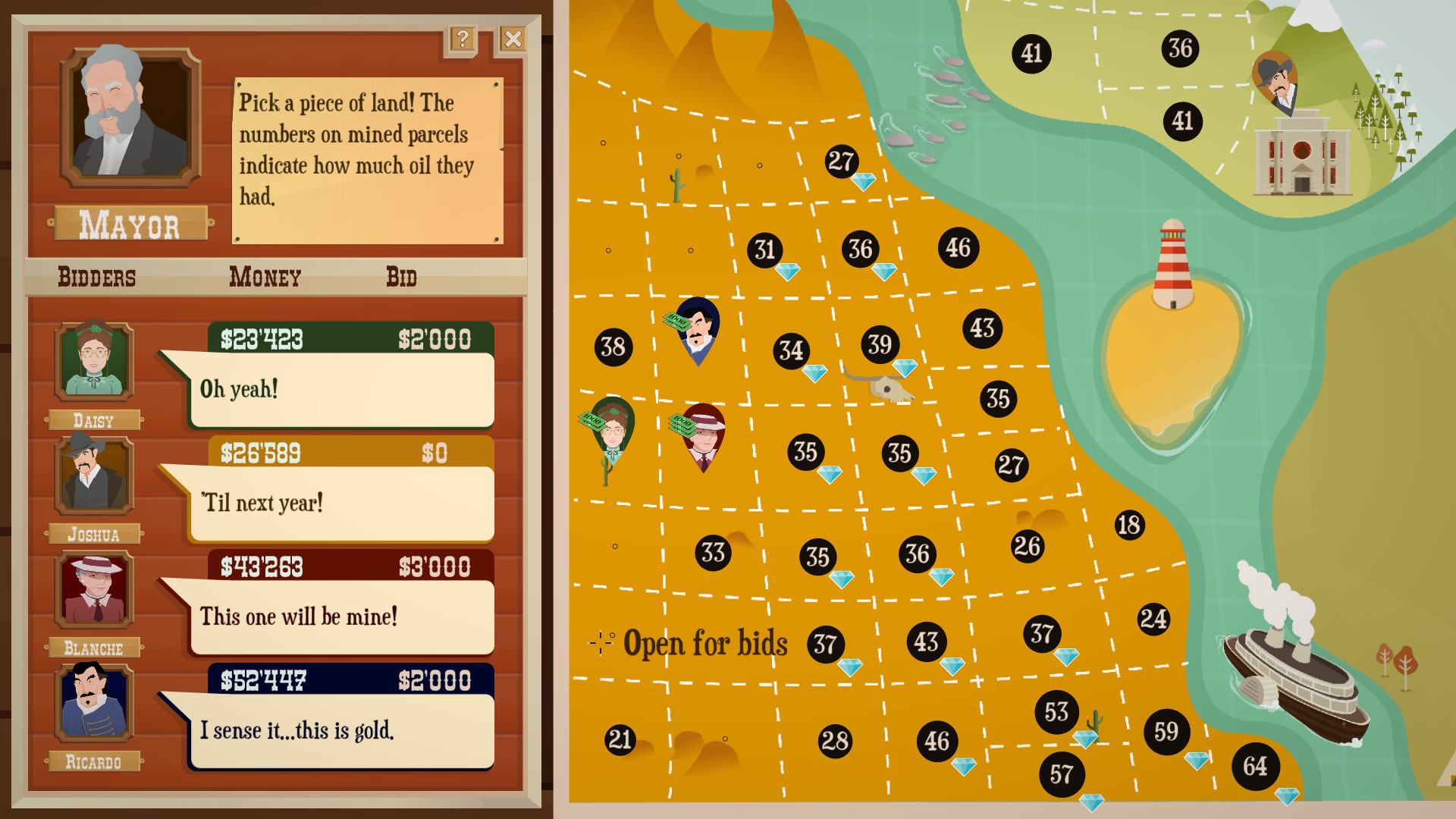
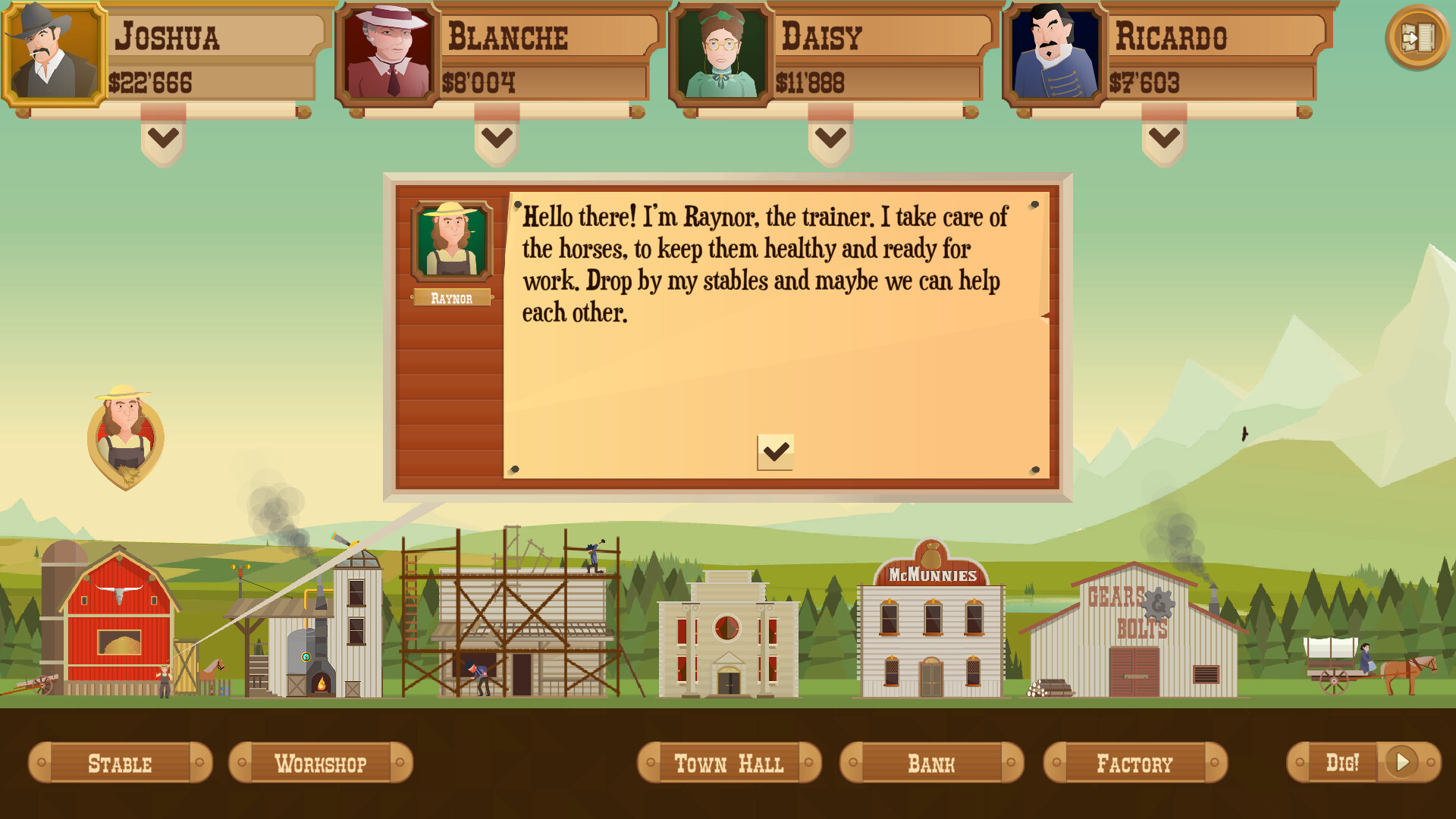
System Requirements
Processor: 2,5 GHz
Memory: 2 GB RAM
Storage: 100 MB available space
Trailer
How To Install
1) Download the game using a Torrent program or Direct program
2) Extract the game to your preferred location with WinRar or 7-Zip
3) Wait for the extraction to end
4) No need to install the game, just start with the LAUNCHER of the game as administrator
5) Play!
How To Play OnLine
1) Download Steam-Fix
2) Copy the content of this crack to your game folder
3) Start Steam , go to your profile.
4) Before continuing, open theOnlineFix.iniin the game folder and fill in the required information in the [Turmoil], the data may be random, the main thing to remember isthe Username.
5) Run the game through Turmoil.exe, which is in the game folder.
6) In-game -> Joining : Multiplayer -> We accept an invitation from a friend.
Hosting : Multiplayer -> Custom game -> Add player -> Select a friend from the list -> Send invitations.
7) Play & Enjoy !
Modes : MultiPlayer | Co-oP
Fix From: OnlineFix
Download
Download Turmoil v3.1.3 + Online – Windows & macOS Desktop Technical Guides
Need Windows 10/11 (x64) or macOS (Apple Silicon M1–M4 / Intel) compatibility specs, installation steps, or troubleshooting fixes for Download Turmoil v3.1.3 + Online? Explore our dedicated desktop sub-guides:
- Download Turmoil v3.1.3 + Online Windows & macOS System Requirements
- How to Install Download Turmoil v3.1.3 + Online (Windows & Mac Setup)
- Download Turmoil v3.1.3 + Online Startup Crash, DLL & Permission Fixes
- Download Turmoil v3.1.3 + Online Latest Build Changelog & Patch Notes