
Download The Sims 4 Deluxe Edition v1.93.129.1030-P2P

Game Details
Release name: The Sims 4 Desert Luxe Kit
Release Date: September 4, 2014
Genres/Tags: Artificial life, Managerial, God sim, 3D
Developer: Maxis
Publisher: Electronic Arts
Original Size: 33.4 GB
Screenshots

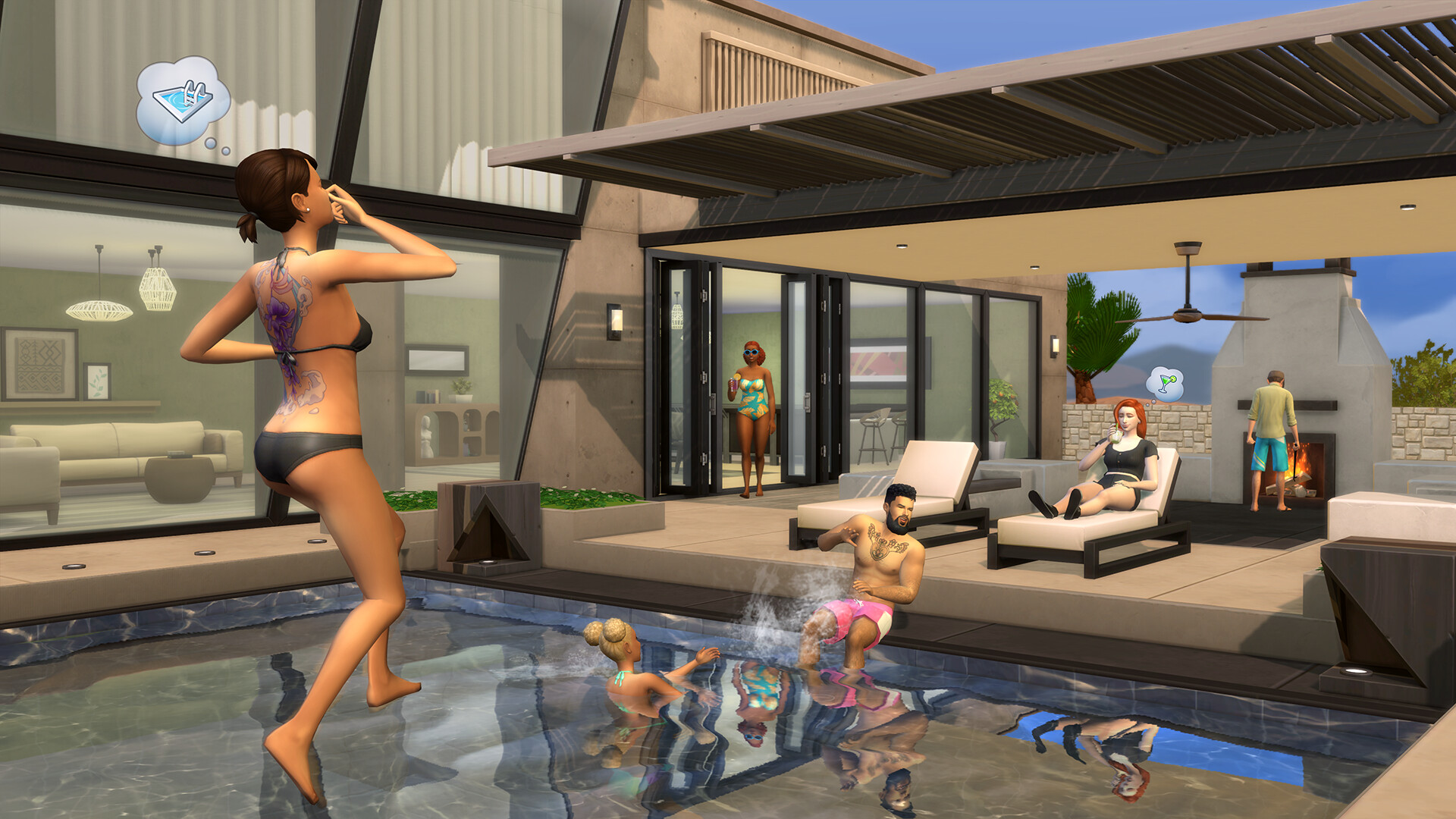
Trailer
About This Game
The Sims 4 is the highly anticipated life simulation game that lets you play with life like never before. Control smarter Sims with unique appearances, personalities, behaviors, and emotions. Experience new levels of creativity when you sculpt Sims with the powerful Create A Sim and design beautiful homes with tactile, room-based Build Mode. Use The Gallery to browse, share, and download new content without ever leaving your game. Control the mind, body, and heart of your Sims and explore your new gameplay possibilities in vibrant neighborhoods that bring your stories to life.
System Requirements
MINIMUM:
- OS: Windows XP (SP3), Windows Vista (SP2), Windows 7 (SP1), Windows 8, Windows 8.1, or Windows 10
- CPU: 1.8 GHz Intel Core 2 Duo, AMD Athlon 64 Dual-Core 4000+ or equivalent (For computers using built-in graphics chipsets, the game requires 2.0 GHz Intel Core 2 Duo, 2.0 GHz AMD Turion 64 X2 TL-62 or equivalent)
- RAM: At least 2 GB RAM
- HARD DRIVE: At least 14 GB of free space with at least 1 GB additional space for custom content and saved games
- VIDEO: 128 MB of Video RAM and support for Pixel Shader 3.0. Supported Video Cards: NVIDIA GeForce 6600 or better, ATI Radeon X1300 or better, Intel GMA X4500 or better
- DIRECTX: DirectX 9.0c compatible
- SOUND CARD: DirectX 9.0c Compatible
How To Install The Game
1) Download the game using a Torrent program or Direct program
2) Extract the game to your preferred location with WinRar or 7-Zip
3) Wait for the extraction to end
4) No need to install the game, just start with the LAUNCHER of the game as administrator
5) Play!
General Notes:
– Make sure you have Spacewar installed. Windows Key + R and type (steam://install/480).
– It is recommended to turn off your antivirus as some files get detected as false positive.
– In the case of an offline game, you may need to block it with firewall to prevent it from going online.
– Do not block the game with firewall if you are playing an online game with your friends.
– Turn Off your AntiVirus and Block the game’s exe in your firewall to prevent the game from
trying to go online ..
– If you install games to your system drive, it may be necessary
to run this game with admin privileges instead
– If you have a vac ban then you won’t able to play online games, create a new account if the account you gonna use have one of those.
Download The Sims 4 Deluxe Edition – Direct Mirrors
Download The Sims 4 Deluxe Edition v1.93.129.1030-P2P – Windows & macOS Desktop Technical Guides
Need Windows 10/11 (x64) or macOS (Apple Silicon M1–M4 / Intel) compatibility specs, installation steps, or troubleshooting fixes for Download The Sims 4 Deluxe Edition v1.93.129.1030-P2P? Explore our dedicated desktop sub-guides:
- Download The Sims 4 Deluxe Edition v1.93.129.1030-P2P Windows & macOS System Requirements
- How to Install Download The Sims 4 Deluxe Edition v1.93.129.1030-P2P (Windows & Mac Setup)
- Download The Sims 4 Deluxe Edition v1.93.129.1030-P2P Startup Crash, DLL & Permission Fixes
- Download The Sims 4 Deluxe Edition v1.93.129.1030-P2P Latest Build Changelog & Patch Notes