
Download SWORN v1.1.3.0.1183 + OnLine

Game Details
♂ After reviewing the game, BUY the game to support the developer
https://store.steampowered.com/app/1763250/
Screenshots
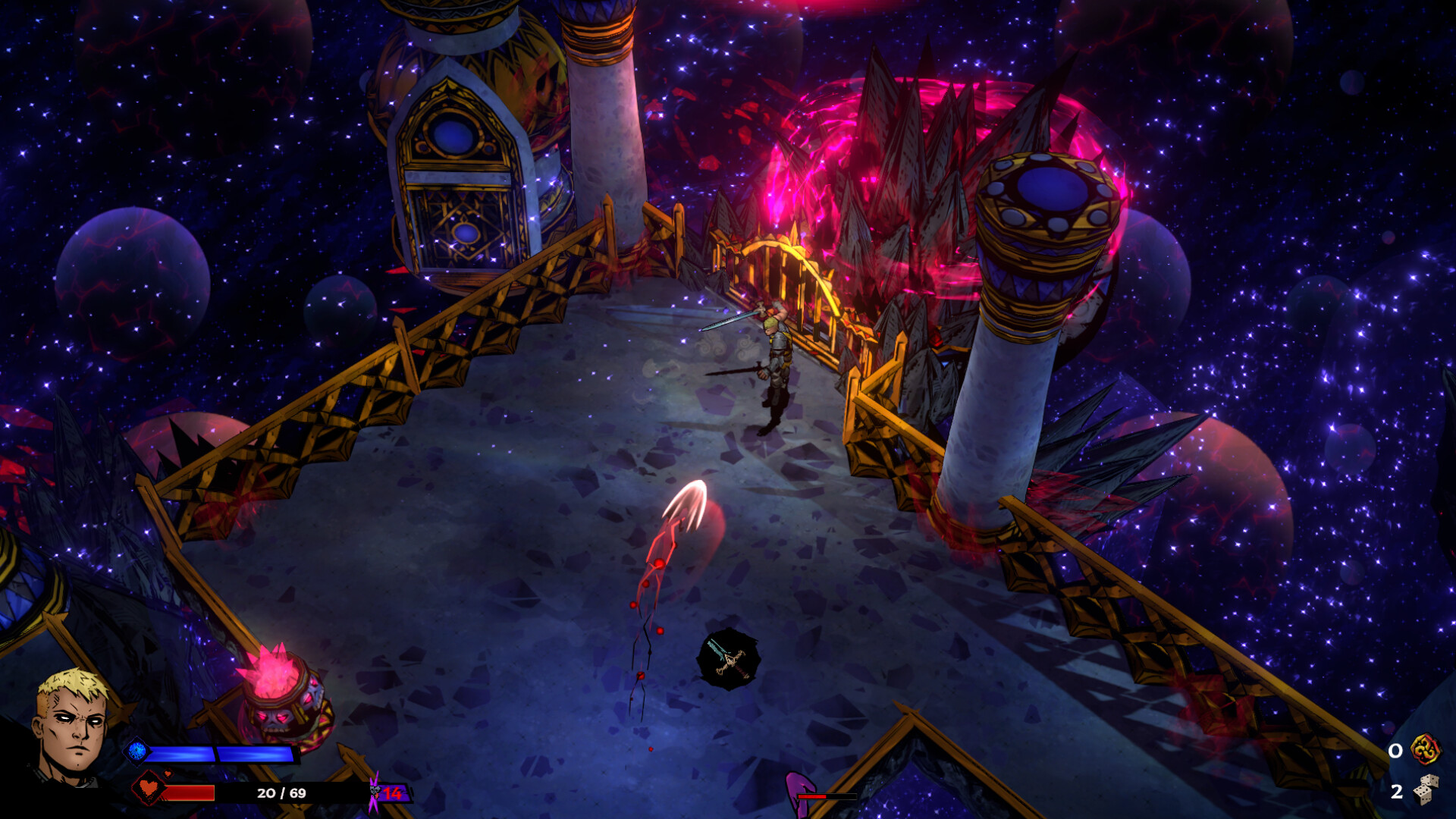
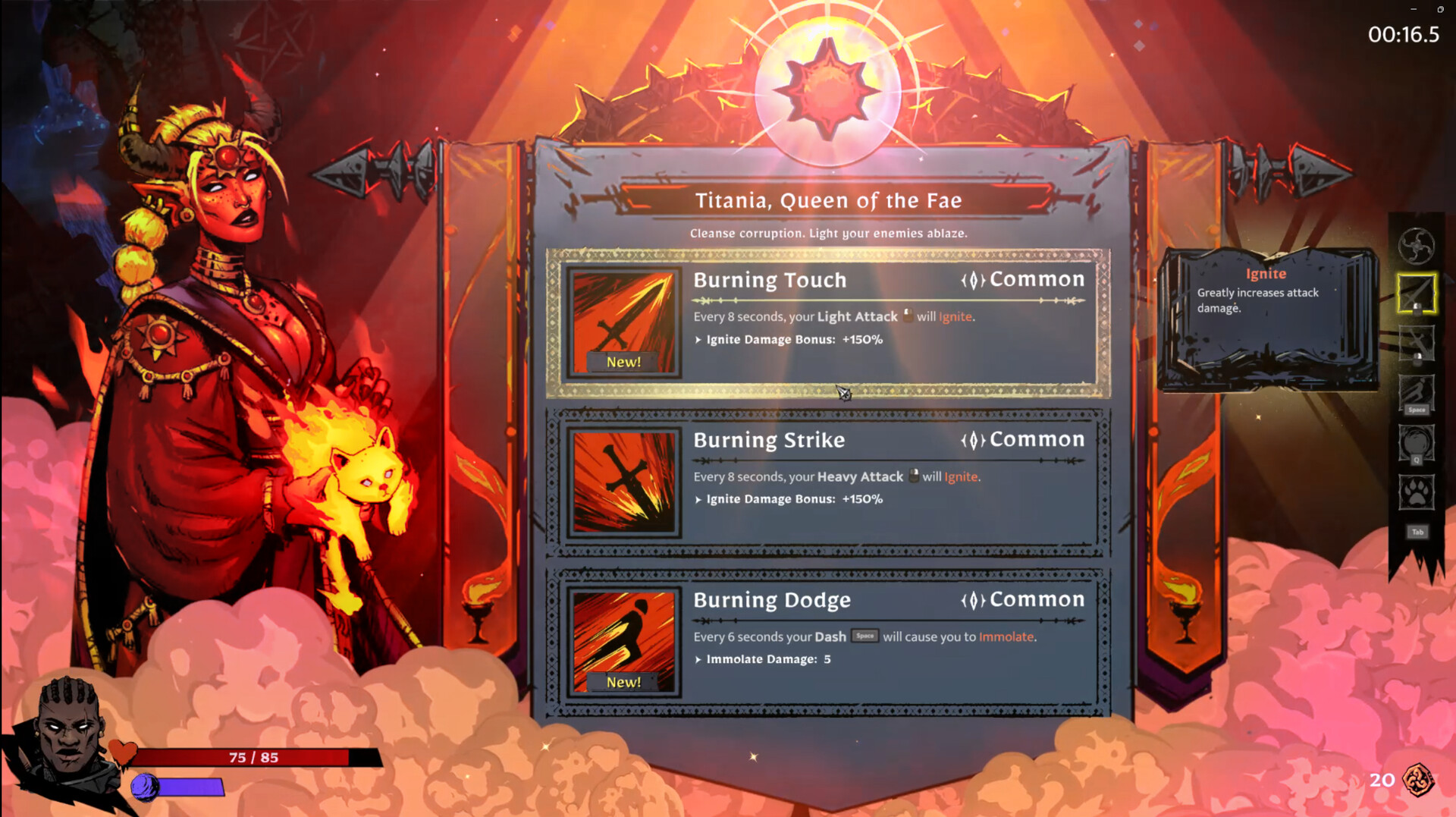
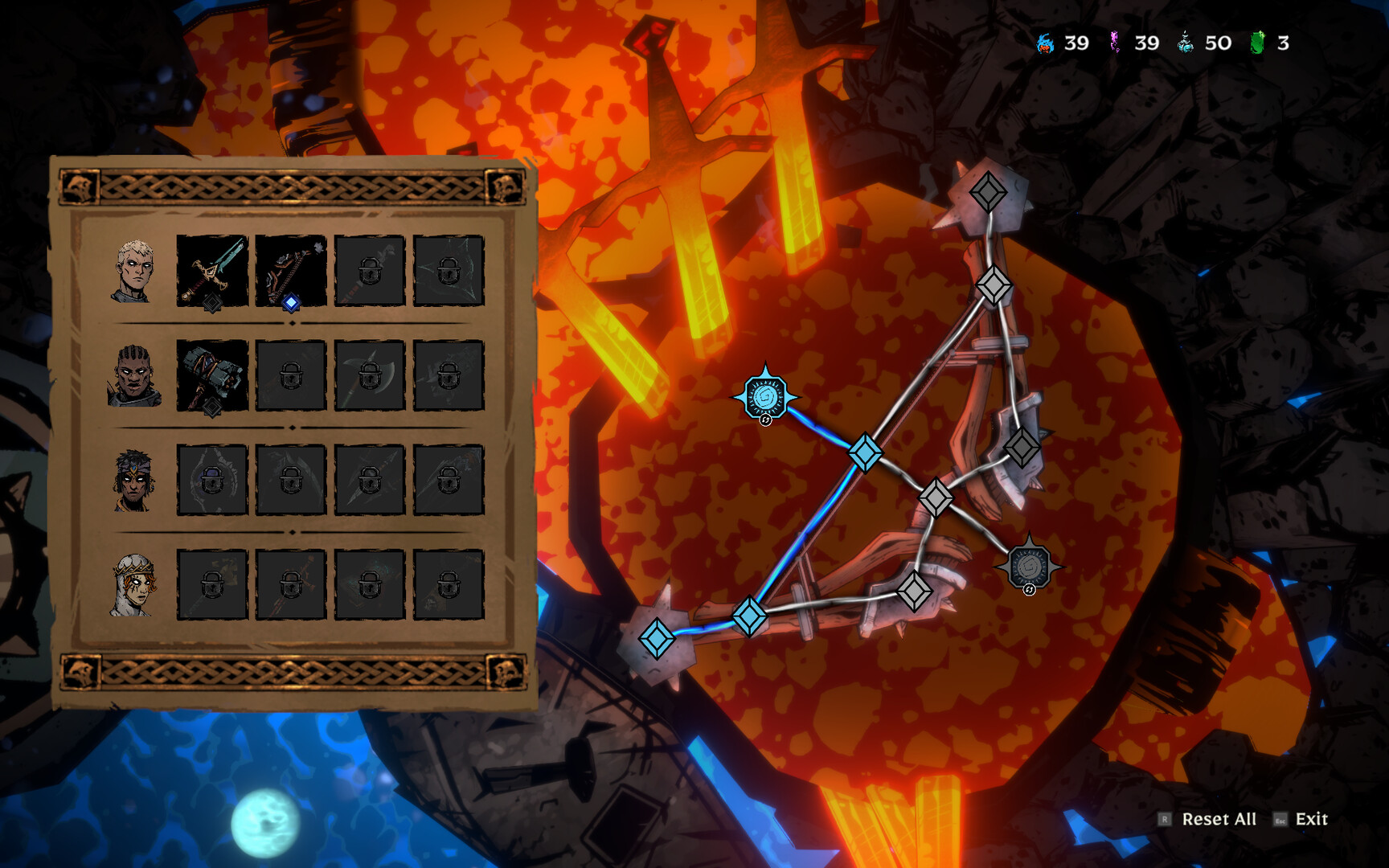
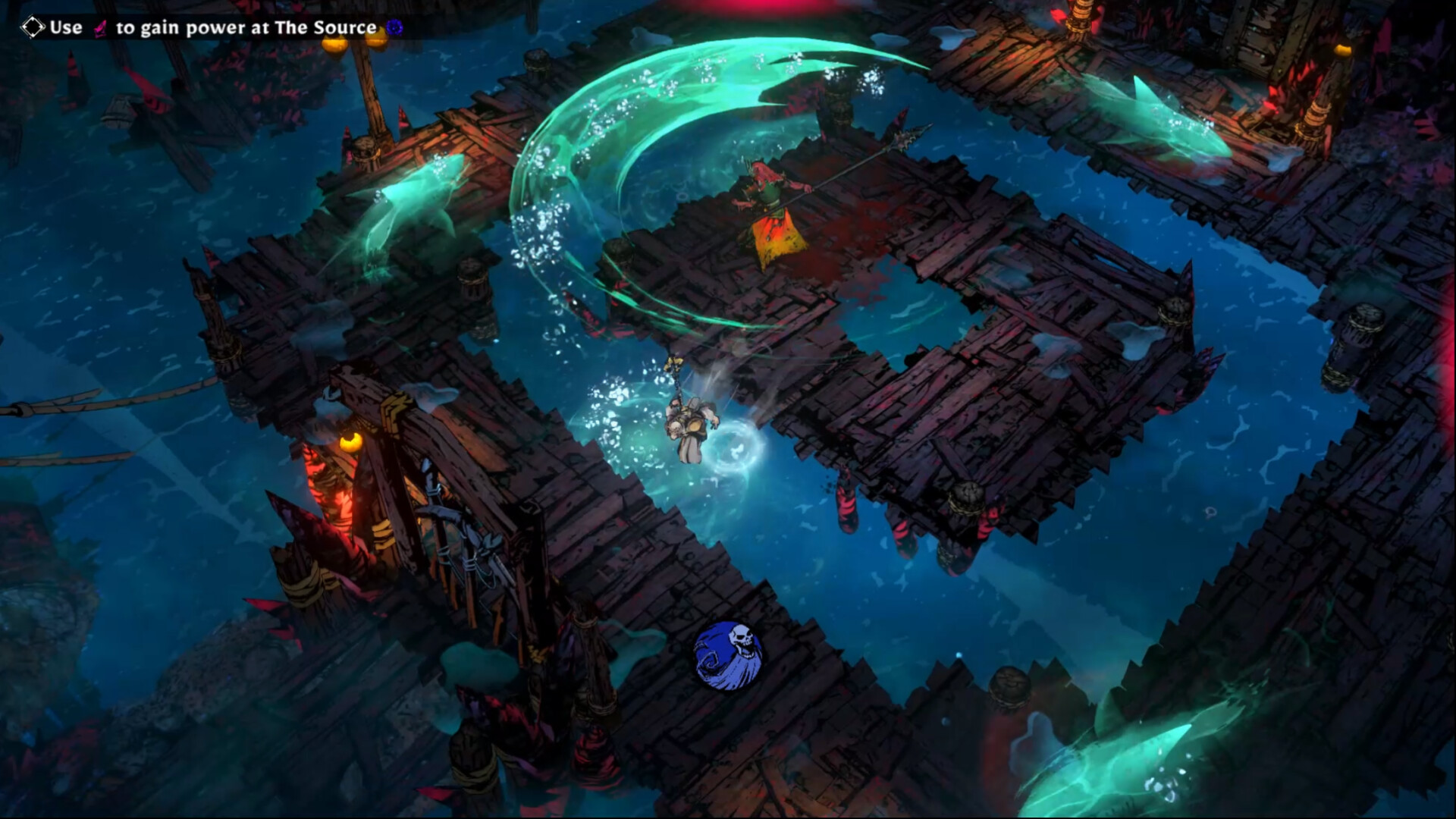
Trailer
About This Game
System Requirements
MINIMUM:
- Requires a 64-bit processor and operating system
- OS: Windows 10
- Processor: Intel Core i5-3470 or AMD FX-6300
- Memory: 8 GB RAM
- Graphics: NVIDIA GeForce GTX 960, 4GB or AMD Radeon HD 7970, 3GB or Intel Arc A310,4GB
- Additional Notes: High 1080p @ 60 FPS
Game Installation Guide
1) Download the game using a Torrent program or Direct program
2) Extract the game to your preferred location with WinRaror 7-Zip
3) Wait for the extraction to end
4) No need to install the game, just start with the LAUNCHER of the game as administrator
5) Play!
How to Setup and Run the Game
1) Download Steam-Fix
2) Copy the content of this crack to your game folder
3) Start Steam , go to your profile.
4) Run the game through SWORN.exe, which is in the game folder.
5) Login your Epic Games Store account in the browser window that opens
6) In-game -> Joining : Accept an invitation from a friend.
Hosting : Play Game -> Host Game -> ESC -> Invite Friends -> We invite friends and wait for their connection.
7) Play & Enjoy !
Modes: MultiPlayer ❌ | Co-oP
Fix From: OnlineFix (0xdeadcode)
Note : Interface language: English, Russian
General Notes:
– Make sure you have Spacewar installed. Windows Key + R and type (steam://install/480).
– It is recommended to turn off your antivirus as some files get detected as false positive.
– In the case of an offline game, you may need to block it with firewall to prevent it from going online.
– Do not block the game with firewall if you are playing an online game with your friends.
– Turn Off your AntiVirus and Block the game’s exe in your firewall to prevent the game from
trying to go online ..
– If you install games to your system drive, it may be necessary
to run this game with admin privileges instead
– If you have a vac ban then you won’t able to play online games, create a new account if the account you gonna use have one of those.
-Need Help!! Join our server
Download SWORN – Direct Mirrors
Download SWORN v1.1.3.0.1183 + OnLine – Windows & macOS Desktop Technical Guides
Need Windows 10/11 (x64) or macOS (Apple Silicon M1–M4 / Intel) compatibility specs, installation steps, or troubleshooting fixes for Download SWORN v1.1.3.0.1183 + OnLine? Explore our dedicated desktop sub-guides:
- Download SWORN v1.1.3.0.1183 + OnLine Windows & macOS System Requirements
- How to Install Download SWORN v1.1.3.0.1183 + OnLine (Windows & Mac Setup)
- Download SWORN v1.1.3.0.1183 + OnLine Startup Crash, DLL & Permission Fixes
- Download SWORN v1.1.3.0.1183 + OnLine Latest Build Changelog & Patch Notes