Download Satisfactory Build 12192025 + OnLine

Game Details
Release name: Satisfactory
Size: 8.11 GB
Title: Satisfactory
Genre: Action
Developer: Epic Store
Publisher: Epic Store
Release Date: 2019
Screenshots
Trailer
About This Game
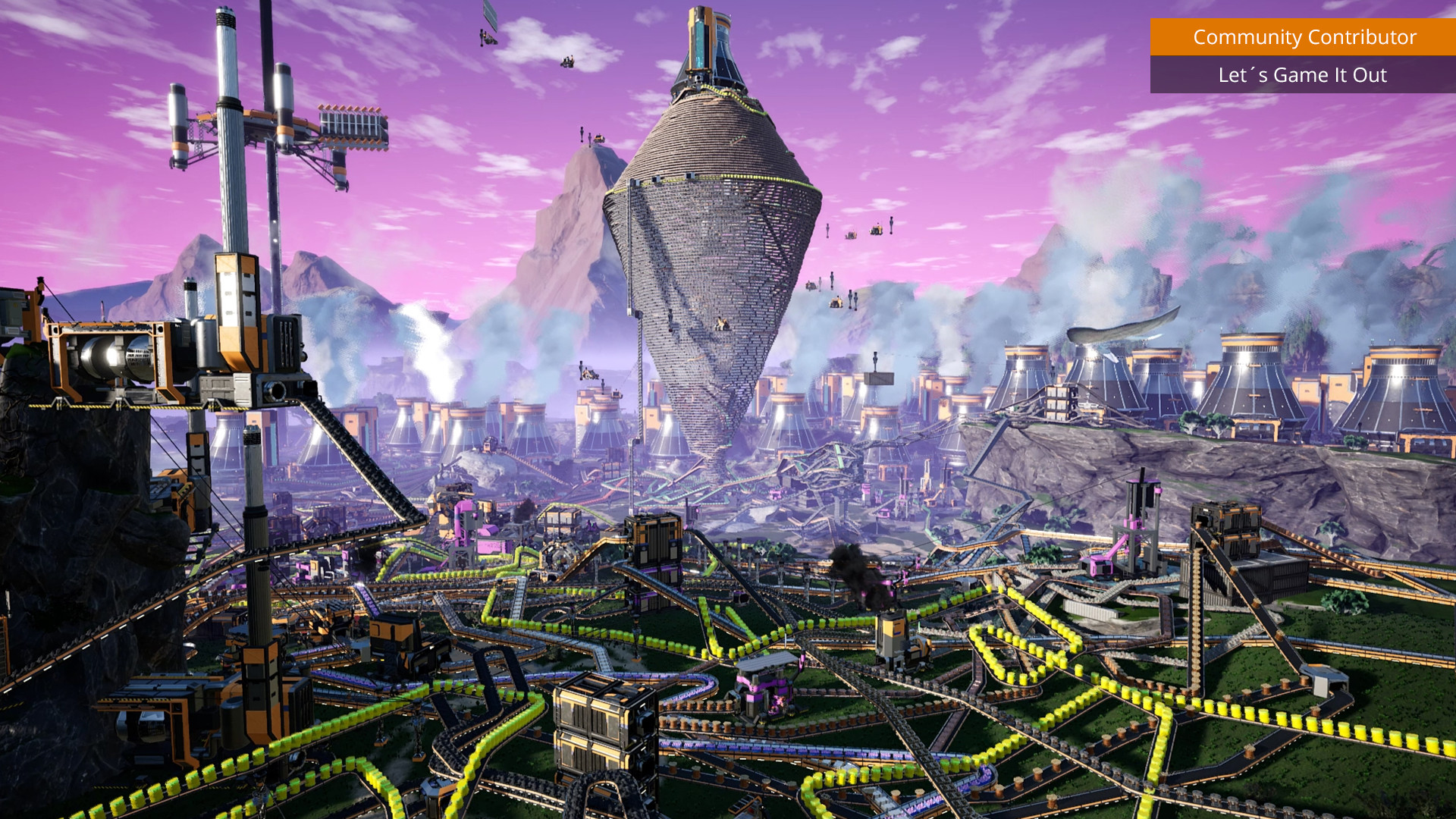
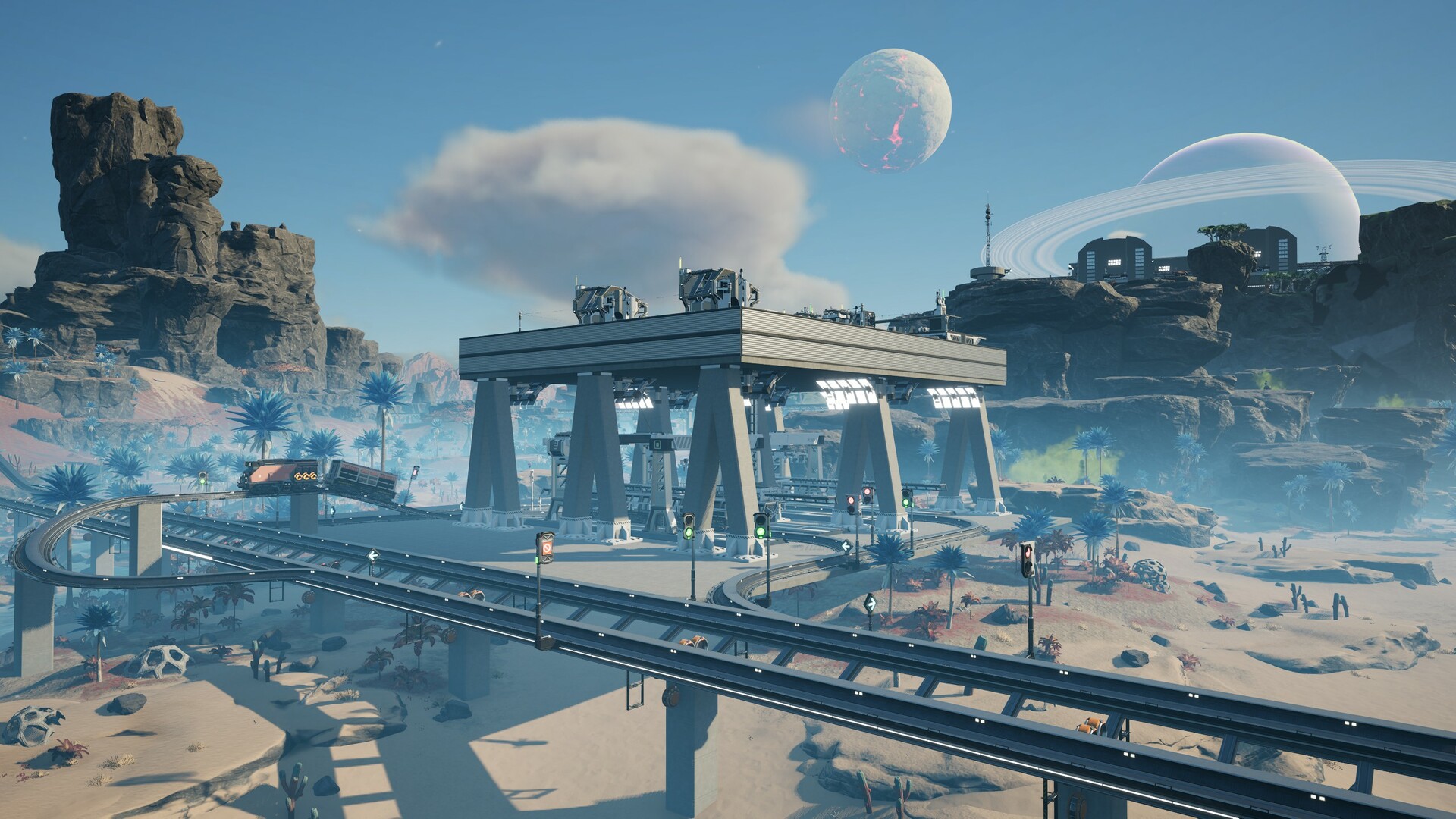
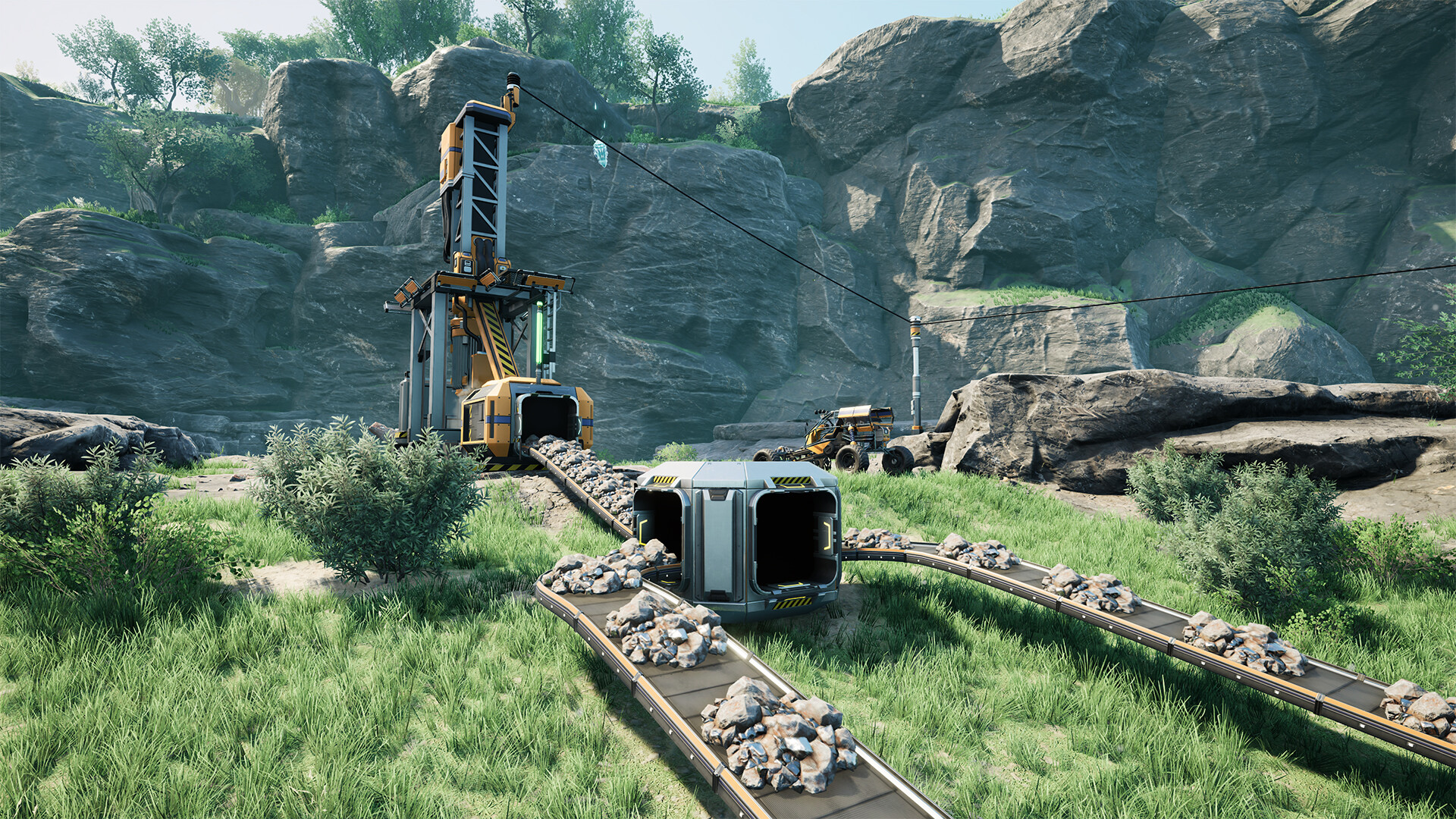
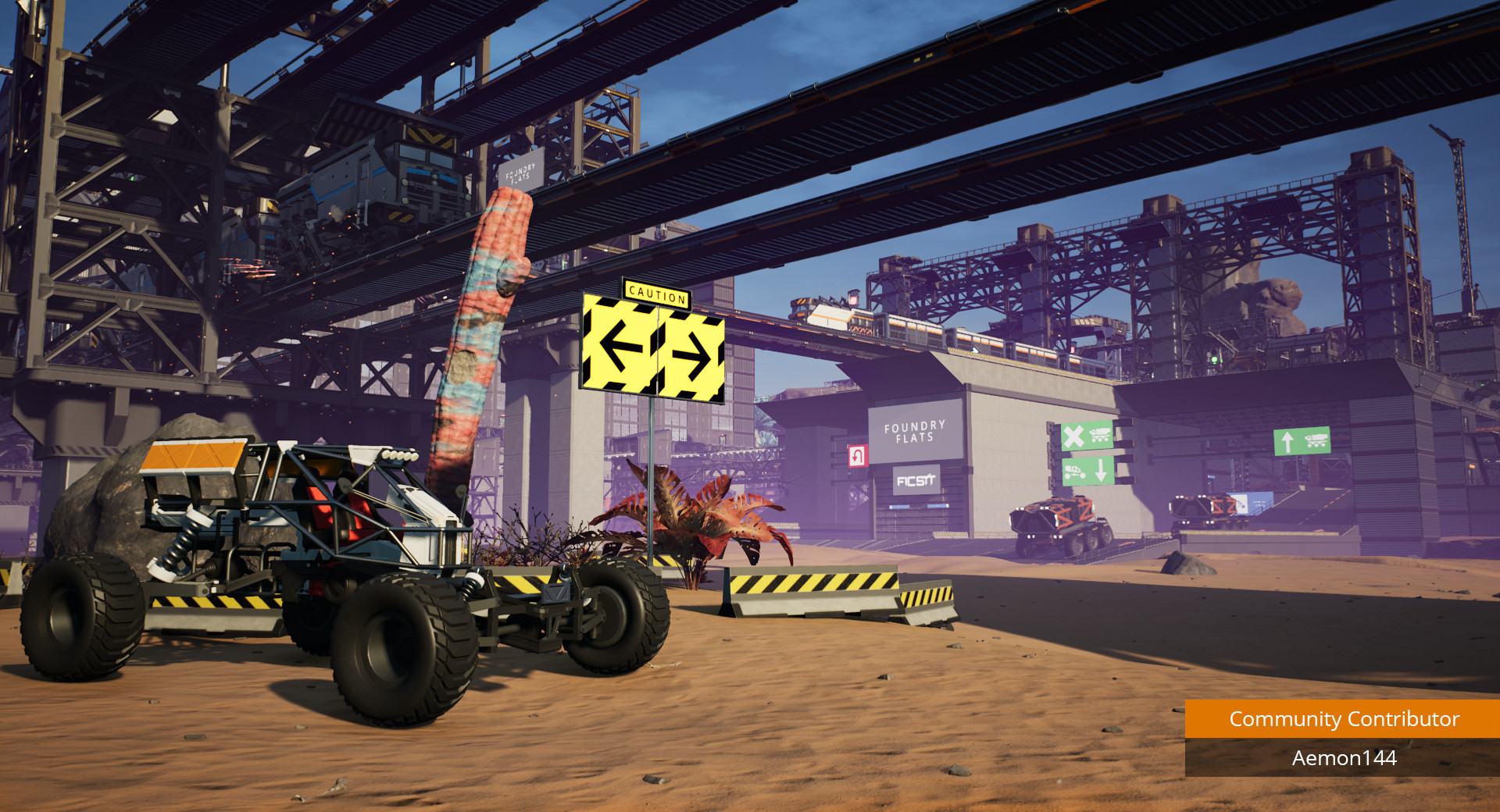
Satisfactory is a first-person open-world factory building game with a dash of exploration and combat. Pioneering for FICSIT Incorporated means charting and exploiting an alien planet, battling alien lifeforms, creating multi-story factories, entering conveyor belt heaven, automating vehicles, and researching new technologies.
System Requirements
MINIMUM:
CPU: i5-3570k 3,4 GHz 4 Core.
OS: Windows 7 or later (64-Bit)
VIDEO CARD: GTX 660 2GB.
FREE DISK SPACE: 20 GB.
DEDICATED VIDEO RAM: 2048 MB.
How To Install The Game
1) Download the game using a Torrent program or Direct program
2) Extract the game to your preferred location with WinRaror 7-Zip
3) Wait for the extraction to end
4) No need to install the game, just start with the LAUNCHER of the game as administrator
5) Play!
How To Play OnLine
1) Download Steam-Fix
2) Copy the content of this crack to your game folder
3) Start Steam , go to your profile.
4) Run the game through FactoryGameSteam.exe which is in the game folder.
5) When the game starts, a link will open in the browser, where you will need to log in to your Epic Store account and grant permissions to the game.
6) In-game -> Connection : Join Game -> Let’s connect with a friend.
Creating a server : New Game -> Set everything up as desired (Session Type set to Friends Only) and click Start Game Wait for other players to connect.
7) Play & Enjoy !
Modes : MultiPlayer ❌ | Co-oP
Fix By: OnlineFix
Note : Due to the game engine being overhauled, the game requires a GPU with newer shader support which old GPUs do not have, if the game crashes for you make a shortcut of the game exe and add -d3d11 in shortcut properties in target field. (ex: “…Satisfactory.exe” -d3d11)
General Notes:
– Make sure you have Spacewar installed. Windows Key + R and type (steam://install/480).
– It is recommended to turn off your antivirus as some files get detected as false positive.
– In the case of an offline game, you may need to block it with firewall to prevent it from going online.
– Do not block the game with firewall if you are playing an online game with your friends.
– Turn Off your AntiVirus and Block the game’s exe in your firewall to prevent the game from
trying to go online ..
– If you install games to your system drive, it may be necessary
to run this game with admin privileges instead
– If you have a vac ban then you won’t able to play online games, create a new account if the account you gonna use have one of those.
-Need Help!!
Download Satisfactory – Direct Mirrors
Download Satisfactory Build 12192025 + OnLine – Windows & macOS Desktop Technical Guides
Need Windows 10/11 (x64) or macOS (Apple Silicon M1–M4 / Intel) compatibility specs, installation steps, or troubleshooting fixes for Download Satisfactory Build 12192025 + OnLine? Explore our dedicated desktop sub-guides:
- Download Satisfactory Build 12192025 + OnLine Windows & macOS System Requirements
- How to Install Download Satisfactory Build 12192025 + OnLine (Windows & Mac Setup)
- Download Satisfactory Build 12192025 + OnLine Startup Crash, DLL & Permission Fixes
- Download Satisfactory Build 12192025 + OnLine Latest Build Changelog & Patch Notes