Download Rust v2183 [Excavator Update] + OnLine
Game Details
Release name: Rust
Size: 8.5 GB
Title: Rust
Genre: Survival Crafting Multiplayer Open World PvP
Developer: Facepunch Studios
Publisher: Facepunch Studios
Release Date: 8 Feb, 2018
ALL REVIEWS: Mostly Positive (185,821)


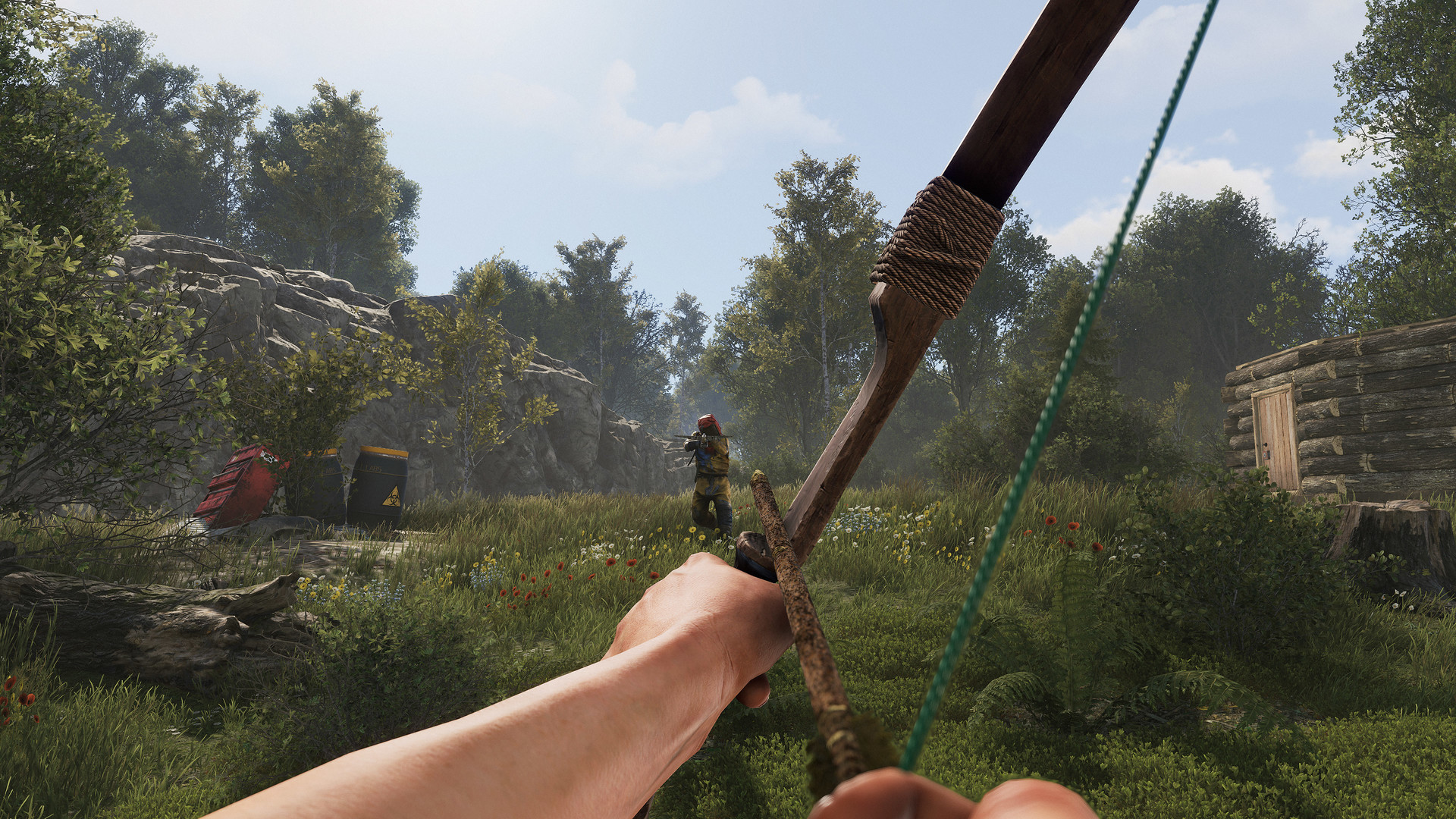
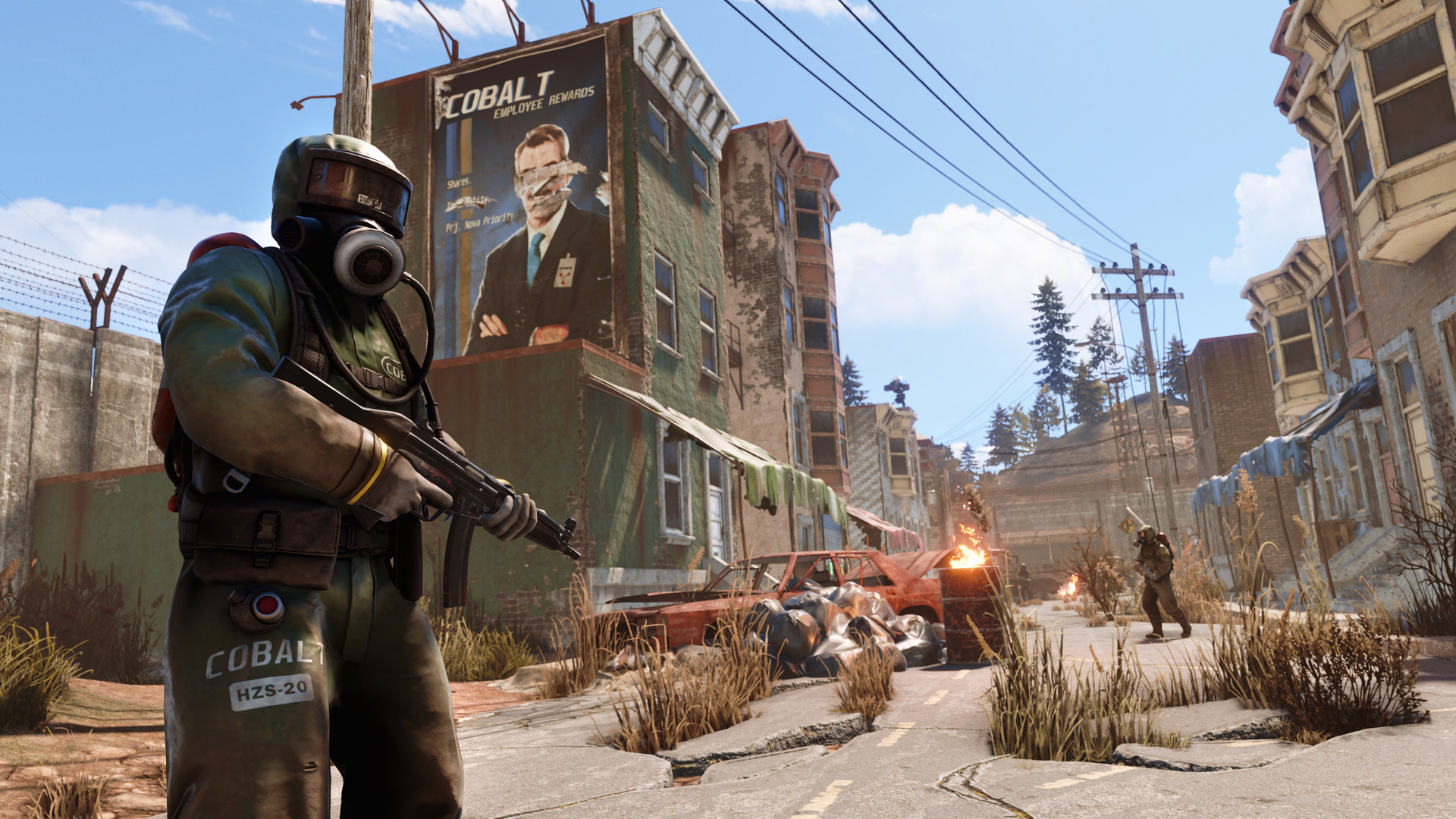
Screenshots

Trailer
About This Game
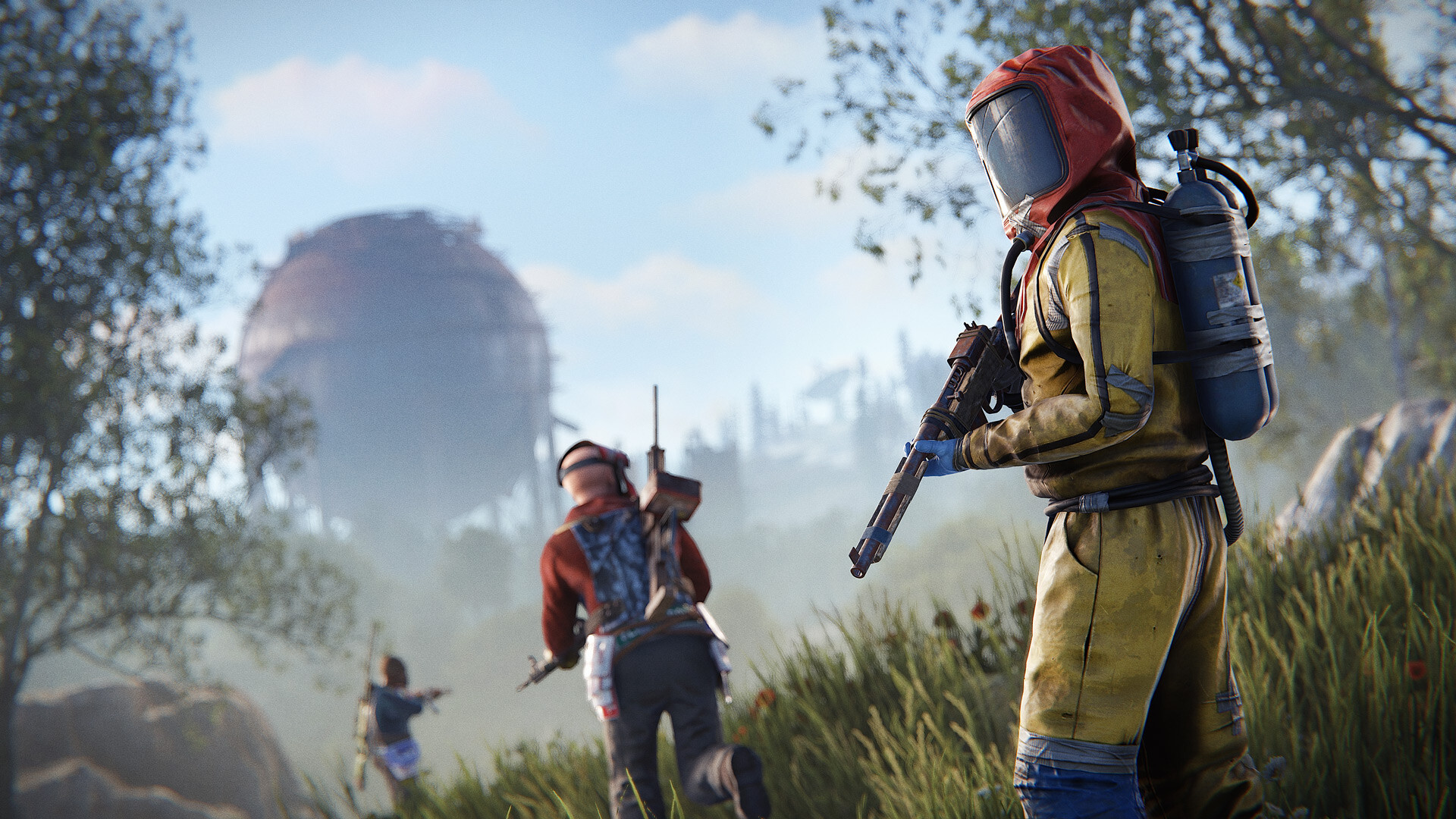
The only aim in Rust is to survive.
To do this you will need to overcome struggles such as hunger, thirst and cold. Build a fire. Build a shelter. Kill animals for meat. Protect yourself from other players, and kill them for meat. Create alliances with other players and form a town.
Do whatever it takes to survive.
System Requirements
MINIMUM:
- OS: Windows 7 64bit
- Processor: Intel Core i7-3770 / AMD FX-9590 or better
- Memory: 8 GB RAM
- Graphics: GTX 670 2GB / AMD R9 280 better
- DirectX: Version 11
- Network: Broadband Internet connection
- Storage: 20 GB available space
How To Install The Game
1) Download the game using a Torrent program or Direct program
2) After downloading the game, go to the downloaded game folder
3) Extract the files with WinRar or 7-Zip
4) Now start the installation with ” Setup.exe “, choose the directory to install
5) Wait until the installation is complete
6) Now just start the game as an administrator with the shortcut that was created on the desktop
7) Play!
Multiplayer
I.) decompress the archive
II.) make sure Steam is running (Download : Steam )
IIa.) Run RustSetup.exe. (Only needed if its not installed)
IIb.) (Create a new Steam-Account if needed. It is not recommended to use your legit Steam-Account.)
III.) run “RustClient.exe” (with admin rights) or one of the autoconnect exe.
IV.) press F1 on the menu screen to join our server or to open the console press F3
IVa.) press F4 for our vanilla server.
IVb.) or use the AutoConnect EXE
V.) paste “client.connect rust1.knights-table.net:28241 ” into the console for modded server
VI.) press enter to connect
VII.) play!
VIIa.) If you get stuck at the loading screen or get kicked from ” Steam Auth Failed” create a new steam account.


General Notes:
– Block the game’s exe in your firewall to prevent the game from
trying to go online ..
– If you install games to your systemdrive, it may be necessary
to run this game with admin privileges instead
– Support the software developers and buy this game
https://store.steampowered.com/app/252490
Download Rust v2183 + OnLine – Direct Mirrors
Download Rust v2183 [Excavator Update] + OnLine – Windows & macOS Desktop Technical Guides
Need Windows 10/11 (x64) or macOS (Apple Silicon M1–M4 / Intel) compatibility specs, installation steps, or troubleshooting fixes for Download Rust v2183 [Excavator Update] + OnLine? Explore our dedicated desktop sub-guides:
- Download Rust v2183 [Excavator Update] + OnLine Windows & macOS System Requirements
- How to Install Download Rust v2183 [Excavator Update] + OnLine (Windows & Mac Setup)
- Download Rust v2183 [Excavator Update] + OnLine Startup Crash, DLL & Permission Fixes
- Download Rust v2183 [Excavator Update] + OnLine Latest Build Changelog & Patch Notes