Download Dragon Ball Xenoverse 2 v1.09-CODEX + Update v1.11.incl.DLC-CODEX + OnLine

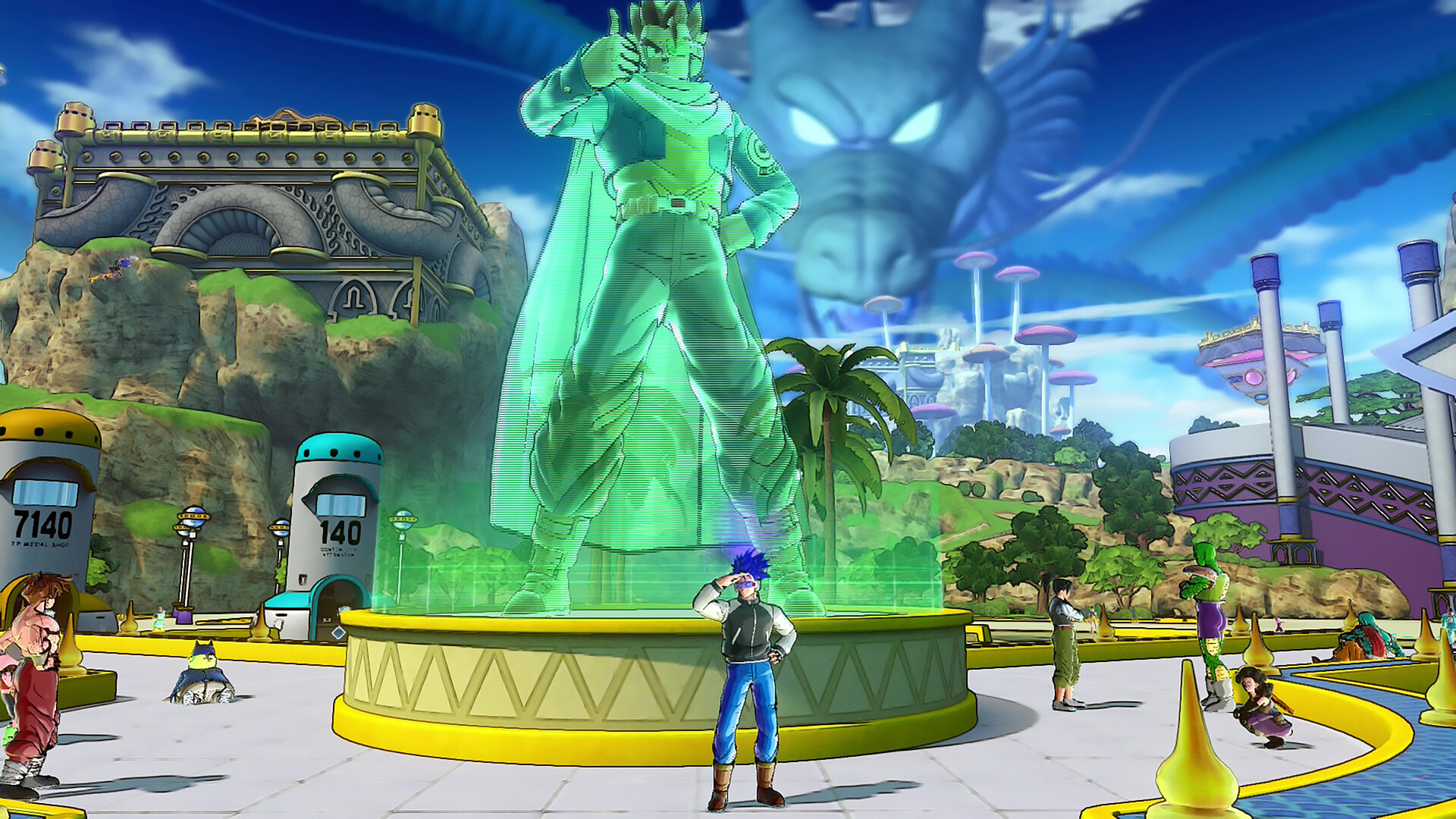
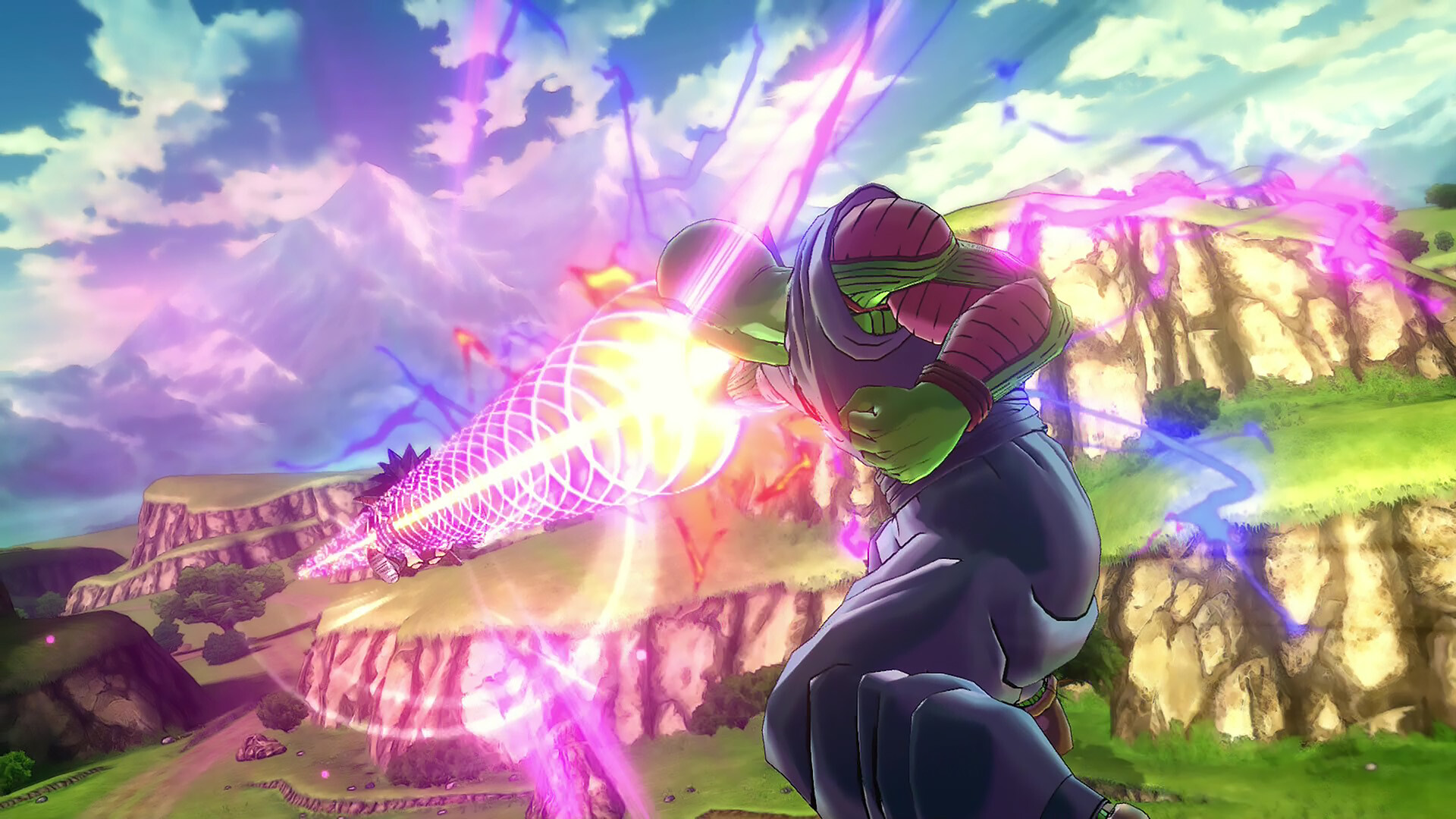
Screenshots


System Requirements
Processor: AMD Phenom II X2 550 3.1GHz | Intel Pentium G4400, 3.30GHz
Memory: 2 GB of RAM
Video card: GeForce GT 650 | Radeon HD6570
DirectX: Version 11
Trailer

How To Install The Game
1) Download the game using a Torrent program or Direct program
2) Extract release
3) Mount ISO with DAEMON Tools if you want
4) Install the game
5) Copy crack from the CODEX folder
6) Play!
Update
1) Extract
2) Run setup.exe and install update
3) Copy crack from CODEX dir to installdir
4) Play
You need the following releases for this:
Dragon.Ball.Xenoverse.2.v1.09-CODEX
Dragon.Ball.Xenoverse.2.Update.v1.09.01-CODEX
Dragon.Ball.Xenoverse.2.Update.v1.10.incl.DLC-CODEX
Dragon.Ball.Xenoverse.2.Update.v1.10.02-CODEX
Multiplayer
1) Copy the content of this crack to your game folder
2) Start Steam and login with your account
3) Start the game
4) In-game go to “Multiplayer” . host a game and invite your friends !
5) Play & Enjoy !
Download
Download Dragon Ball Xenoverse 2 – Direct Mirrors
Download Dragon Ball Xenoverse 2 v1.09-CODEX + Update v1.11.incl.DLC-CODEX + OnLine – Windows & macOS Desktop Technical Guides
Need Windows 10/11 (x64) or macOS (Apple Silicon M1–M4 / Intel) compatibility specs, installation steps, or troubleshooting fixes for Download Dragon Ball Xenoverse 2 v1.09-CODEX + Update v1.11.incl.DLC-CODEX + OnLine? Explore our dedicated desktop sub-guides:
- Download Dragon Ball Xenoverse 2 v1.09-CODEX + Update v1.11.incl.DLC-CODEX + OnLine Windows & macOS System Requirements
- How to Install Download Dragon Ball Xenoverse 2 v1.09-CODEX + Update v1.11.incl.DLC-CODEX + OnLine (Windows & Mac Setup)
- Download Dragon Ball Xenoverse 2 v1.09-CODEX + Update v1.11.incl.DLC-CODEX + OnLine Startup Crash, DLL & Permission Fixes
- Download Dragon Ball Xenoverse 2 v1.09-CODEX + Update v1.11.incl.DLC-CODEX + OnLine Latest Build Changelog & Patch Notes