
Download Divinity Original Sin Enhanced Edition v2.0.119.430 + OnLine

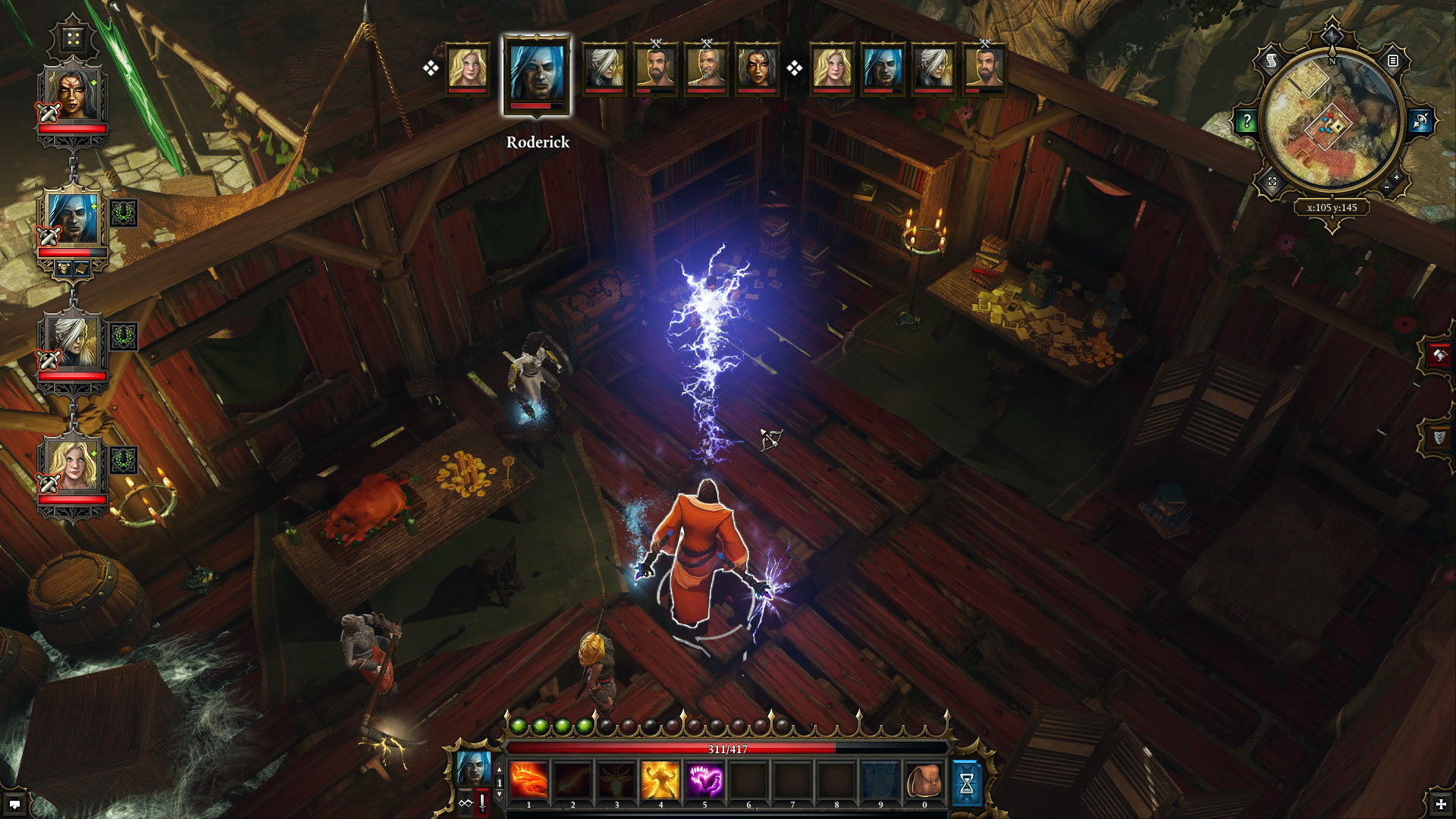
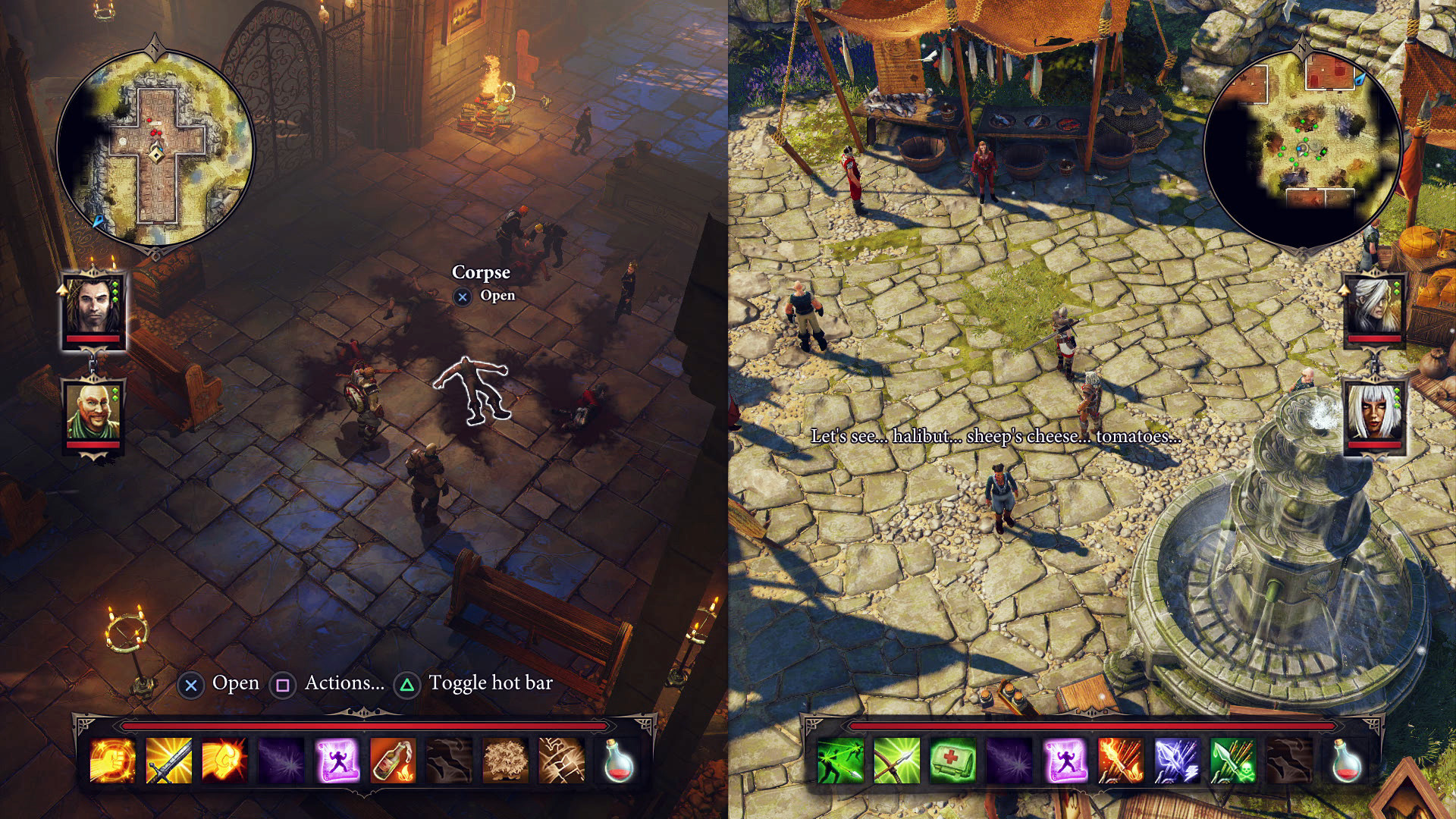
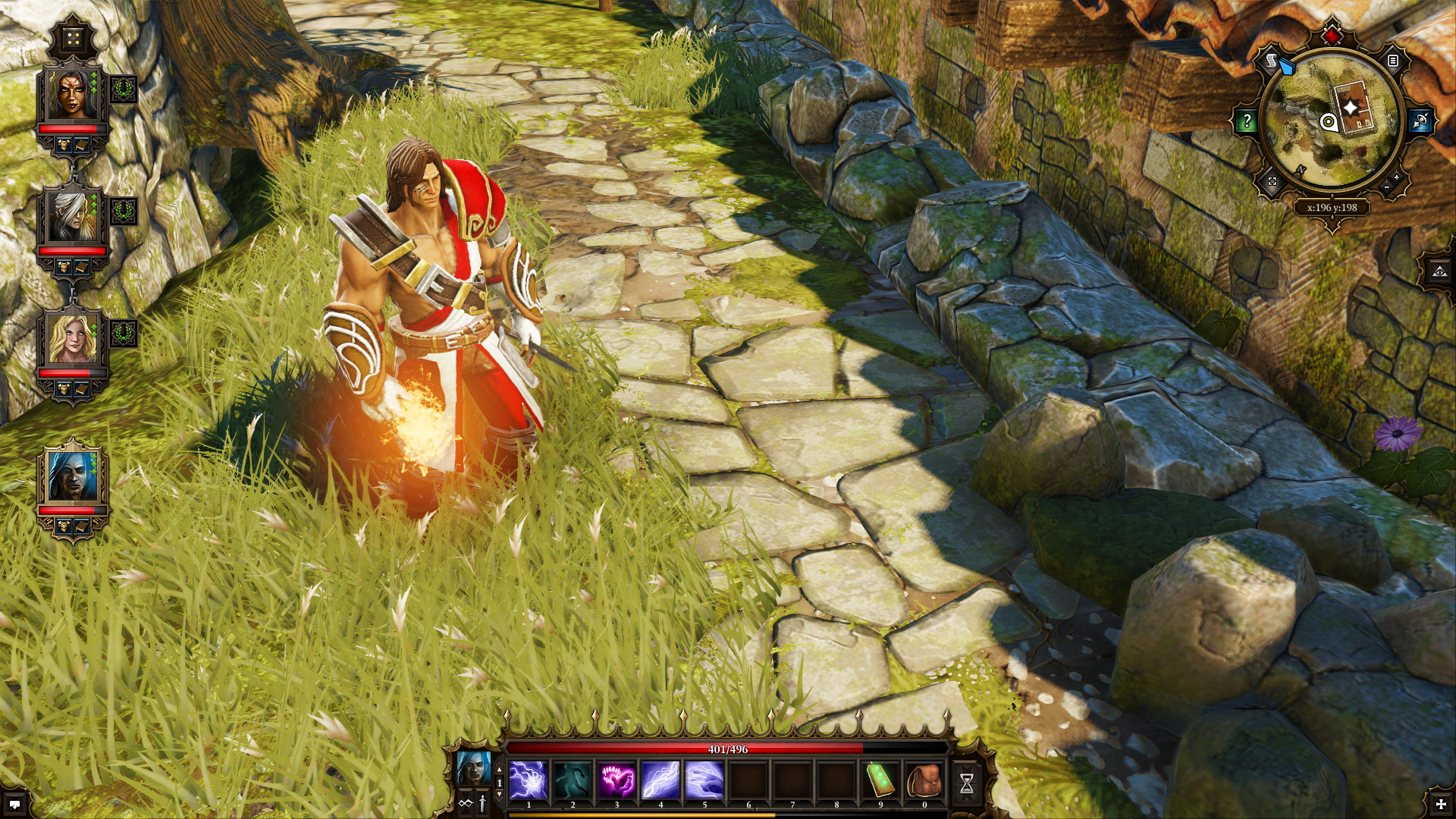
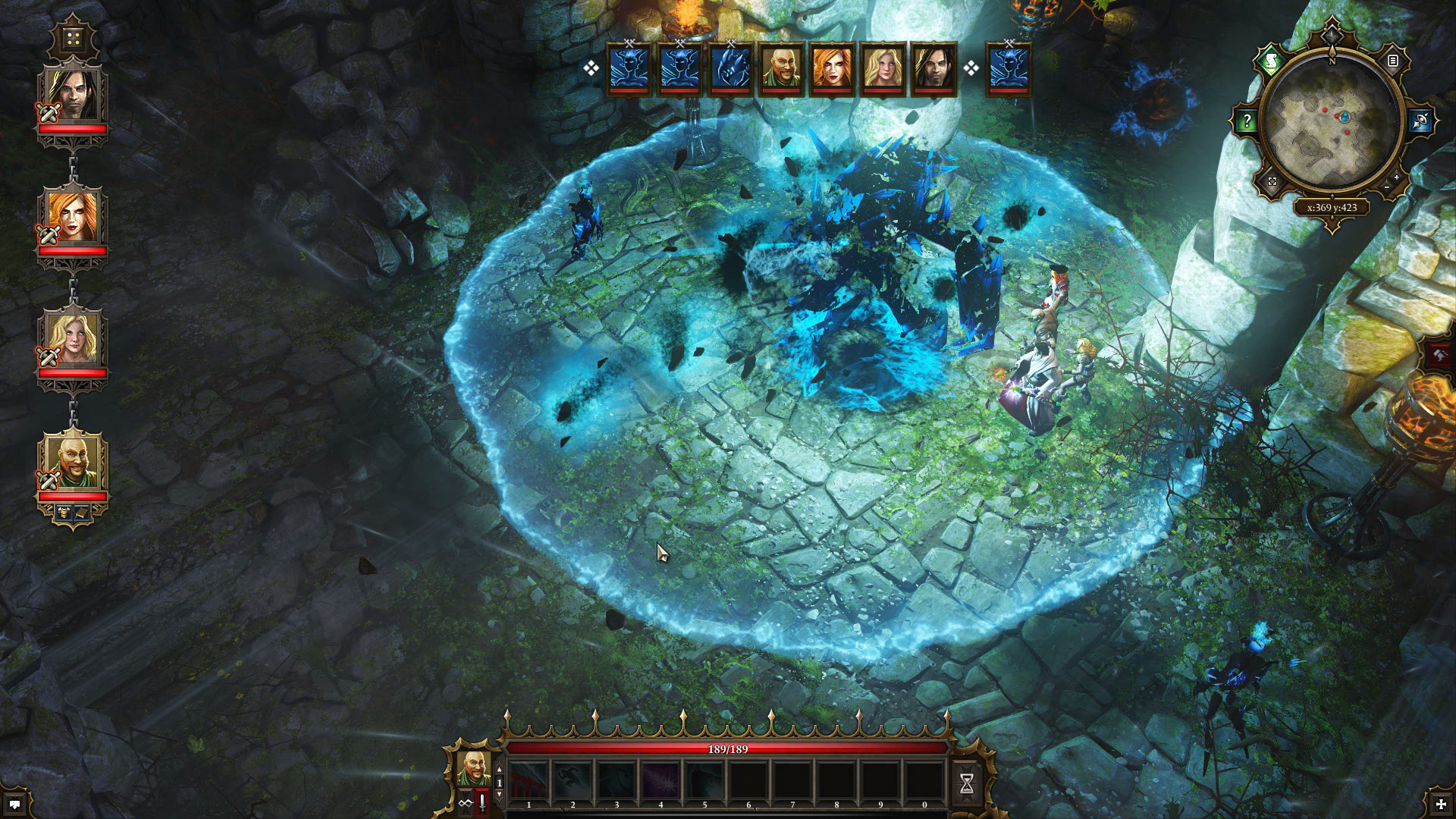
Screenshots
System Requirements
- OS: Windows 7 SP1 64-bit or Windows 8.1 64-bit or Windows 10 64-bit
- Processor: Intel Core2 Duo E6600 or equivalent
- Memory: 2048 MB RAM
- Graphics: DirectX 11 Compatible GPU
- DirectX: Version 11
- Storage: 10000 MB available space
Trailer
How To Install The Game
1) Download the game using a Torrent program or Direct program
2) Extract the game to your preferred location with WinRar or 7-Zip
3) Wait for the extraction to end
4) No need to install the game, just start with the LAUNCHER of the game as administrator
5) Play!
How To Play OnLine
Credit to : online-fix.me
Modes : MultiPlayer ❌ | Co-oP
1) Download Steam-Fix
2) Copy the content of this crack to your game folder
3) Start Steam , go to your profile.
4) Run the game through the shortcut , or “name of game”.exe , which is in the game folder.
5) In-game -> Connection : Accept an invitation from a friend ->
Creating a server : New Game -> Network Game -> Select Game Mode -> Create -> ESC -> Characters -> Invite players to invite a friend and expect it to connect!
6) Play & Enjoy !
Download Divinity Original Sin Enhanced Edition – Direct Mirrors
Download Divinity Original Sin Enhanced Edition v2.0.119.430 + OnLine – Windows & macOS Desktop Technical Guides
Need Windows 10/11 (x64) or macOS (Apple Silicon M1–M4 / Intel) compatibility specs, installation steps, or troubleshooting fixes for Download Divinity Original Sin Enhanced Edition v2.0.119.430 + OnLine? Explore our dedicated desktop sub-guides:
- Download Divinity Original Sin Enhanced Edition v2.0.119.430 + OnLine Windows & macOS System Requirements
- How to Install Download Divinity Original Sin Enhanced Edition v2.0.119.430 + OnLine (Windows & Mac Setup)
- Download Divinity Original Sin Enhanced Edition v2.0.119.430 + OnLine Startup Crash, DLL & Permission Fixes
- Download Divinity Original Sin Enhanced Edition v2.0.119.430 + OnLine Latest Build Changelog & Patch Notes